Easy Efficiency

Archives

  • February 2026
  • January 2026

Categories

  • Browser & Web
  • Mac Tools
  • Mobile & Tablet
  • Second Brain
  • Windows Tools
Easy Efficiency
consolidating background system monitors into a single tray
Read More
  • 6 minute read
MMac Tools

Consolidating Background System Monitors into a Single Tray: Taming Status Noise

  • byXanorin
  • January 7, 2026
Discover how consolidating multiple system telemetry monitors into a single unified tray eliminates visual noise and prevents phantom battery drain on macOS.
automatic desktop tiling vs manual window snapping
Read More
  • 5 minute read
WWindows Tools

Automatic Desktop Tiling vs Manual Window Snapping: Choosing Your Visual Organization Model

  • byXanorin
  • January 6, 2026
Compare automatic puzzle-like tiling with manual snapping to choose the best visual system for keeping your computer screen organized and clean.
keyboard driven quick actions for frictionless mac workflows
Read More
  • 6 minute read
MMac Tools

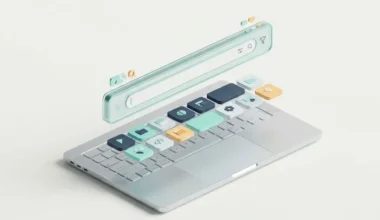
Keyboard Driven Quick Actions for Frictionless Mac Workflows: Eliminating Mouse Traps

  • byXanorin
  • January 5, 2026
Discover how to eliminate repetitive mouse movements on macOS by routing daily tasks through rapid keyboard shortcuts and command palette actions.
collapsible menu bar managers for notch screen macbooks
Read More
  • 5 minute read
MMac Tools

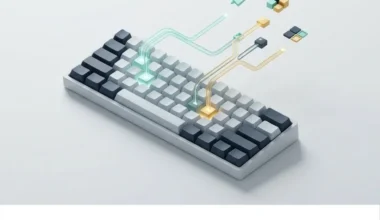
Collapsible Menu Bar Managers for Notch Screen MacBooks: Solving Visual Cutoffs

  • byXanorin
  • January 4, 2026
Learn how collapsible menu bar managers solve the problem of missing icons hidden behind MacBook camera cutouts while preserving system memory and clean aesthetics.
lightweight window management for multi monitor desktop setups
Read More
  • 5 minute read
WWindows Tools

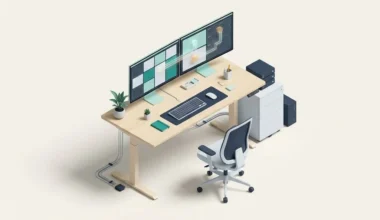
Lightweight Window Management for Multi Monitor Desktop Setups: The Frictionless Desk Guide

  • byXanorin
  • January 3, 2026
Discover how to manage multiple computer monitors like connected physical desks using lightweight tiling systems that keep your computer fast and clutter-free.
spotlight replacements vs native mac command palettes
Read More
  • 6 minute read
MMac Tools

Spotlight Replacements vs Native Mac Command Palettes: Choosing Your Central Hub

  • byXanorin
  • January 2, 2026
Compare native Mac command palettes with standalone launcher replacements to find the perfect balance between system speed, memory usage, and keystroke efficiency.
Recent Posts

  • Reducing Visual Noise and Desktop Clutter on macOS
  • Markdown-Based Personal Knowledge Management: Actionable Daily Routines
  • Terminal Multiplexing Concepts: Organizing Multiple Tasks in a Single Window
  • Tab Management Extensions Compared: Lightweight Systems for Clutter-Free Browsing
  • Battery-Safe Mobile System Routines: Keeping Background Tasks Fast and Light

Recent Comments

No comments to show.
Easy Efficiency
2026 Easy Efficiency. All rights reserved.