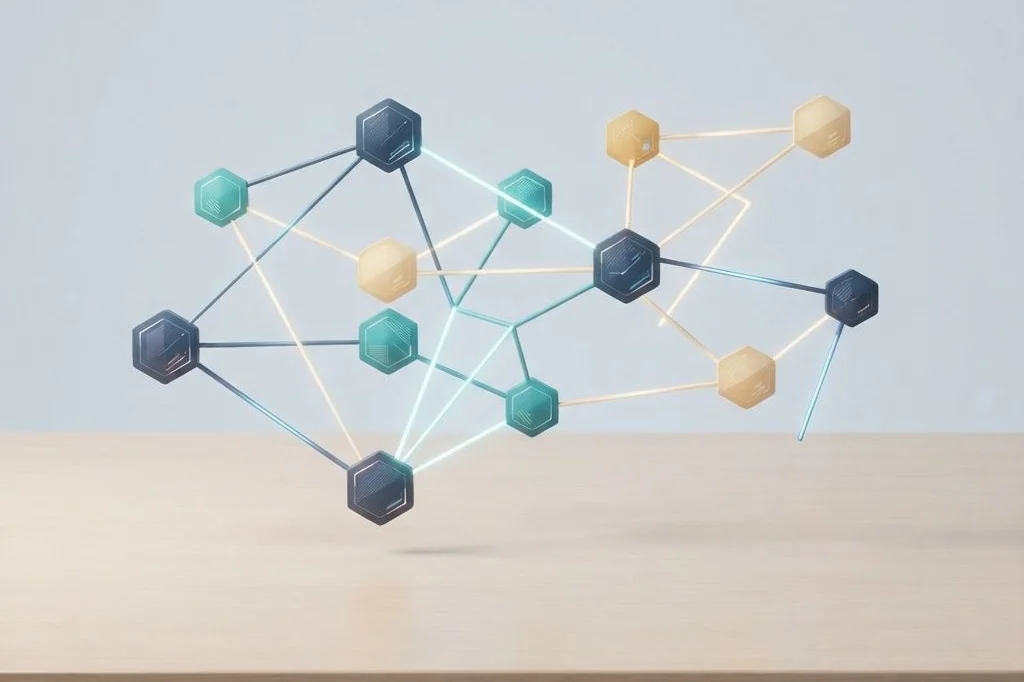
When I think through a challenging project, my brain does not organize thoughts into rigid, isolated boxes. One idea naturally sparks a memory of a past experiment, which connects to a reference book I read last summer. In conventional note programs, you must choose one single folder where a document lives forever. Implementing bidirectional linking in local markdown allows me to connect thoughts organically across my entire library, creating a web of insight that grows more helpful with every note I write.
Key Takeaways
The essential mechanics of connecting notes with two-way markdown links:
- Two-way links function like physical yarn connecting index cards pinned to a corkboard.
- Double-bracket syntax connects notes effortlessly without requiring complex database queries.
- Backlinks automatically show which past documents reference your current topic.
- Your knowledge network lives in open text files, safe from proprietary software locks.
- Organic connections surface unexpected patterns between projects across months and years.
The Corkboard and Yarn Metaphor
Imagine a large cork bulletin board hanging on your office wall. Whenever you learn something interesting, you write it on an index card and pin it to the board. If a new card relates to an older card from last month, you pin a strand of red yarn between them. After a year of curious investigation, you have a beautiful web of interconnected thoughts.
If you touch any card on that board, you can trace the yarn forward to see what ideas it inspired. You can also trace the yarn backward to see what foundational thoughts led to its creation. That is exactly what bidirectional linking does in the digital world. It gives every digital note a two-way street connecting it to its neighbors.
As I explore in system architecture articles across Easy Efficiency, this organic linking frees you from the stress of perfect categorization. Instead of agonizing over whether a note belongs in a folder about technology or a folder about business, you simply write the note and link it to both topics. The connections live right inside the text itself.
How Simple Bracket Syntax Powers Your Knowledge Web
In standard websites, links only point in one direction. When Page A links to Page B, Page B has no automatic awareness that Page A mentioned it. Bidirectional markdown systems change this by reading the text files in your local directory and calculating reverse links on the fly.
To create a connection, you type two opening square brackets, the name of your target note, and two closing square brackets. That is the entire syntax. The underlying software notices the name and registers the relationship. When you view the target note later, a neat backlink panel displays every other document in your library that mentions that name.
Because this link syntax is stored as plain text, it complies with universal document specifications supported by international standards bodies like the World Wide Web Consortium (W3C). Even if you open your files in a basic text viewer without backlink support, the bracketed note name remains completely readable and informative to human eyes.
Comparing Rigid Folders and Connected Knowledge Webs
To understand why two-way links transform personal knowledge management, examine how they compare with traditional strict folder hierarchies.
| Organizational Trait | Strict Hierarchical Folders | Bidirectional Markdown Network |
|---|---|---|
| Structure Style | Rigid tree branches with one home per note | Fluid web where notes connect in multiple directions |
| Discovery Method | Remembering the exact folder path | Tracing related links and automatic backlinks |
| Context Preservation | Notes live in isolation within their directory | Notes display their relationship to past projects |
| Maintenance Burden | Constant reorganizing and moving files | Zero folder reorganization; links grow organically |
| Cross-Topic Insights | Hard to spot overlaps between distant folders | Unexpected connections surface automatically |
Building Healthy Linking Habits Without Overwhelm
When people first discover bidirectional linking, they often overdo it. They turn every common noun into a link, creating dozens of empty notes for words like time, work, or books. This excessive linking clutters your backlink panel with meaningless noise, creating cognitive friction similar to the visual clutter I diagnosed in my analysis of ambient window management and focus hygiene.
I follow a simple rule: only link to specific concepts, projects, or core entities that deserve their own dedicated index card. If I am writing about a server backup routine, I link to my specific backup architecture note, not to general words like computer or data. Maintaining high signal-to-noise across your links keeps your knowledge web useful and focused.
This deliberate restraint mirrors the intentional focus I advocate when comparing tab management extensions for clutter-free browsing. When every open link has a distinct purpose, your workspace remains calm and productive.
Transforming Scattered Notes into Cohesive Output
The true test of any personal knowledge system is not how many notes you collect, but how easily you can transform those notes into finished work. When your thoughts are connected with bidirectional links, writing a new article, report, or project outline becomes remarkably straightforward. Instead of staring at an intimidating blank screen, you open the primary concept note and review its connected backlinks.
Each linked note provides a pre-assembled paragraph, an interesting analogy, or a verified statistic that you recorded over past weeks. You pull these pieces together onto your active workbench, arranging them into a cohesive outline like assembling puzzle pieces on a wooden table. Because the research and synthesis were completed gradually over time, drafting your final deliverable feels natural, calm, and effortless.
Over months of steady practice, this compounding workflow turns your personal notes into an indispensable intellectual partner. You stop repeating past research mistakes, discover unexpected synergies between different areas of study, and produce higher quality work in half the time.
Exploring Your Graph View with Purpose
Many local markdown tools provide a visual graph view that displays your notes as glowing nodes connected by lines. While watching your graph grow is fun, the real value lies in spotting thematic clusters and solitary notes.
When you spot a solitary note sitting alone on the edge of your graph with zero connections, it invites you to ask: What past project does this idea connect with? What foundational principle does it support? Linking that lonely note back into your primary web integrates the insight into your long-term thinking, ensuring that valuable lessons never get forgotten in a digital corner.
By letting connections emerge naturally over months of deliberate writing, you build a personalized knowledge engine that reflects the unique way your mind solves problems.
This enduring network of thoughts stays with you permanently, ensuring that your valuable observations remain accessible and useful throughout your entire lifetime.
Frequently Asked Questions
Do bidirectional links slow down text editors when you have thousands of notes?
No. Plain text is remarkably lightweight. Modern editors index text links in local memory in a few milliseconds, ensuring that graph updates and backlink lists load instantly without lag.
What happens if I rename a note that other notes link to?
Most modern markdown editors automatically detect when you rename a file and update all bracketed links across your entire library in less than a second, keeping your connections intact.
Can I use bidirectional links alongside standard folders?
Yes. In fact, combining shallow folders for broad categories (like Projects and Archive) with bidirectional links between individual notes provides the ideal balance of physical order and associative freedom.