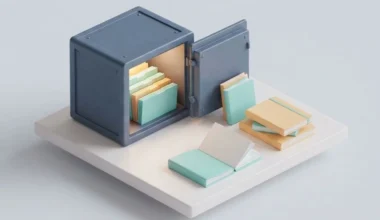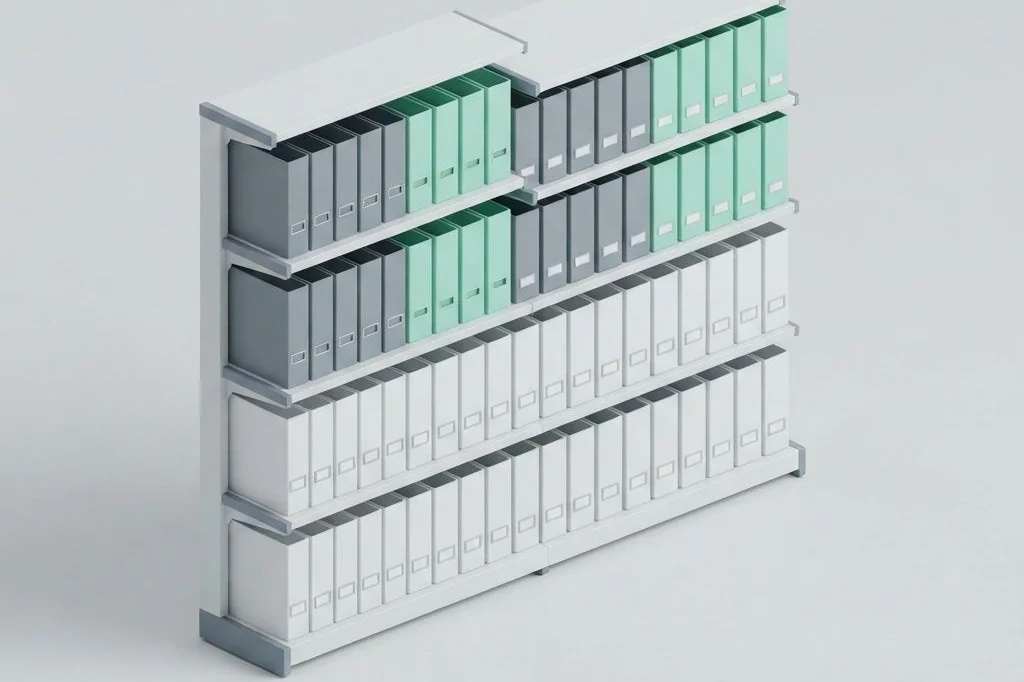
Whenever I step into a well-tended physical library, a sense of calm takes over. Every book has its designated shelf, aisles are clearly marked, and the reading tables remain completely clear of unnecessary clutter. Unfortunately, many digital workstations look more like a messy attic where documents, downloads, and screenshots pile up in random heaps. Practicing local first digital archive hygiene allows me to keep my computer files organized like a pristine library, ensuring swift access and zero mental fatigue.
Key Takeaways
Foundational principles for keeping your digital folders clean, fast, and organized:
- A strict separation between active projects and archived reference materials prevents desktop clutter.
- Shallow folder systems ensure that finding any document takes fewer than three mouse clicks.
- Routine digital sweep sessions prevent temporary files from turning into an unmanageable backlog.
- Standardized plain text formats guarantee that archived research remains readable for decades.
- Physical metaphors help anchor good organizational habits: treat your hard drive like a sturdy filing cabinet.
The Library Reading Room vs. The Storage Basement
To establish lasting digital order, you must distinguish between your active reading desk and your permanent storage stacks. In a physical library, the reading desk holds only the three or four reference books you are consulting right now. When you finish studying, you do not leave those books piled on the desk forever. You return them to the librarian, who shelves them in the quiet stacks downstairs.
On a computer, your desktop screen and your downloads folder often become accidental dumping grounds. Hundreds of downloaded invoices, half-finished drafts, and unfiled receipts linger in plain sight. Every time you turn on your computer, your brain must filter out this visual noise before you can even begin working.
As I regularly examine in system design guides across Easy Efficiency, visual clutter directly drains cognitive energy. By adopting the same disciplined restraint that I detailed when comparing tab management extensions for clutter-free browsing, you transform your computer from an overwhelming clutter pit into an inviting creative studio.
The Three-Bucket Folder Architecture
I organize my entire local archive around three simple directories. This lightweight taxonomy eliminates the hesitation of wondering where a new file belongs.
Bucket one: Active work
This directory holds notes, spreadsheets, and outlines for tasks currently underway. If an initiative has an upcoming deadline this month, its folder lives here. Because this directory contains only active work, opening it gives an immediate, clear snapshot of your current priorities without historical distractions.
Bucket two: Core references
Core references include documents you consult repeatedly across multiple projects, such as brand style rules, frequently used software configurations, and personal health logs. These represent the permanent encyclopedia section of your digital library.
Bucket three: The deep archive
The moment a project concludes, its entire folder is moved into the deep archive. Inside this directory, folders are grouped simply by year. Because modern operating systems index local files instantly, you can locate any archived document in milliseconds using system search, without needing elaborate multi-tiered folder hierarchies.
Comparing Cluttered Storage with Clean Library Hygiene
The table below summarizes the operational contrast between ad-hoc digital hoarding and structured archive hygiene.
| Operational Dimension | Ad-Hoc Digital Hoarding | Disciplined Library Hygiene |
|---|---|---|
| File Location | Scattered across desktop, downloads, and temp folders | Consolidated into three clear structural directories |
| Search Experience | Frantic manual scrolling through hundreds of icons | Instant search results via standardized naming |
| Mental Friction | Constant visual distraction from stale files | Clean workspace with only current priorities visible |
| Backup Simplicity | Difficult to identify what needs saving | Single archive directory backed up in seconds |
| Hardware Impact | Bloated background indexing slows down machine | Lightweight directories preserve battery and speed |
Establishing the Five-Minute Friday Sweep Habit
A library does not stay organized through sporadic, weekend-long overhauls. It stays organized because the staff tidies the return cart every single day. I apply this exact discipline to my computer through a simple five-minute sweep every Friday afternoon.
During this five-minute window, I open my downloads folder and empty it completely. Temporary installation packages and disposable receipts go straight into the trash bin. Valuable reference manuals move into my Core References directory. Then, I review my active projects folder, archiving anything that reached completion during the week.
This quick routine prevents digital entropy from taking hold. When Monday morning arrives, I sit down to an immaculately organized digital desk, ready for focused creative production. This light routine echoes the energy-saving habits I outlined in my guide on battery-safe mobile system routines, keeping both your machine and your mind operating at peak condition.
Creating Standardized Asset Folders for Digital Media
In addition to written notes, most productive workflows generate supporting digital media, including reference diagrams, photographic records, and export documents. If you scatter these media files haphazardly throughout your main notes directory, browsing your folders quickly becomes visual chaos. Establishing a standardized internal asset folder within each major project keeps your visual references neatly contained.
I name this subfolder simply assets or attachments. When a markdown note needs to display an architectural diagram or an inspection photo, the relative link points directly into this local folder. If you ever need to archive or share the project, moving the parent directory moves all embedded images and diagrams simultaneously, ensuring that no links break and no media gets left behind.
Preserving Drive Longevity Through Zero-Bloat Principles
Modern solid-state computer drives operate with extraordinary speed, but they also benefit from thoughtful space management. When hard drives fill to over ninety percent capacity, their read-and-write controllers must work significantly harder to shuffle data blocks, slightly reducing drive longevity and background responsiveness. Keeping your archive clean and pruned protects both your data and your hardware.
By regularly archiving or discarding obsolete installation files, cached build directories, and duplicate image exports, you ensure that your drive always has ample breathing room. Your operating system searches run at peak velocity, your laptop remains cool, and your digital library continues operating smoothly for years without requiring costly storage upgrades.
Long-Term Format Longevity and Open Standards
A pristine filing system is only as good as the longevity of the files inside it. Storing important records in proprietary binary formats leaves your knowledge vulnerable to future software obsolescence. If the company that created your software goes out of business, your archived records could become completely inaccessible.
By standardizing on open plain text, markdown, and universal PDF formats endorsed by international bodies like the International Organization for Standardization (ISO), you ensure that your archived notes remain readable on any future computer without special conversion tools. Your digital library remains a permanent, reliable asset for your entire career.
Frequently Asked Questions
How often should I clean out my computer downloads folder?
I recommend clearing your downloads folder at the end of every week. Treating the downloads folder as a temporary holding zone rather than a permanent storage cabinet prevents thousands of forgotten files from accumulating.
Should I compress old project folders into zip archives?
Generally, no. Plain text and markdown files are already minuscule in size. Leaving them uncompressed allows your operating system to index and search their contents instantly without needing to unpack them first.
What is the best way to name archived project folders?
Use a clear chronological prefix or category marker followed by a concise descriptive topic, such as project-home-solar-installation. This format automatically arranges your archive logically while remaining completely human-readable at a glance.